

-
Go to your Monumetric Console.
-
Select the settings tab on the left-hand toolbar.
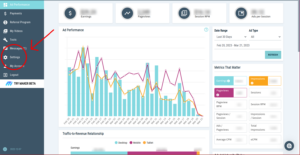
3. Select the “Google Analytics” tab in the console.
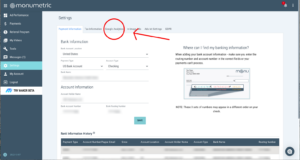
4. Click “Google Analytics Version 4”
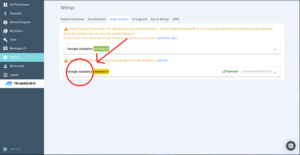
5. From the pull-down menu on the left side, select the account that you want to sync with GA4.
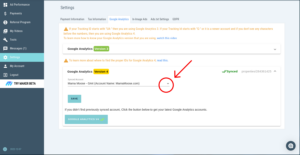
6. Click “save”.
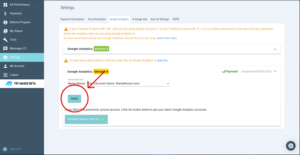
There you go! GA4 is now synced to your Monumetric dashboard!